
Introduction
Photoshop vs Canva…
Graphic design has become an essential skill in today’s digital world. Whether you are a blogger, YouTuber, social media creator, business owner, or professional designer, you need powerful design tools to create eye-catching visuals. Among all available tools, Adobe Photoshop and Canva are the two most popular and widely used platforms.
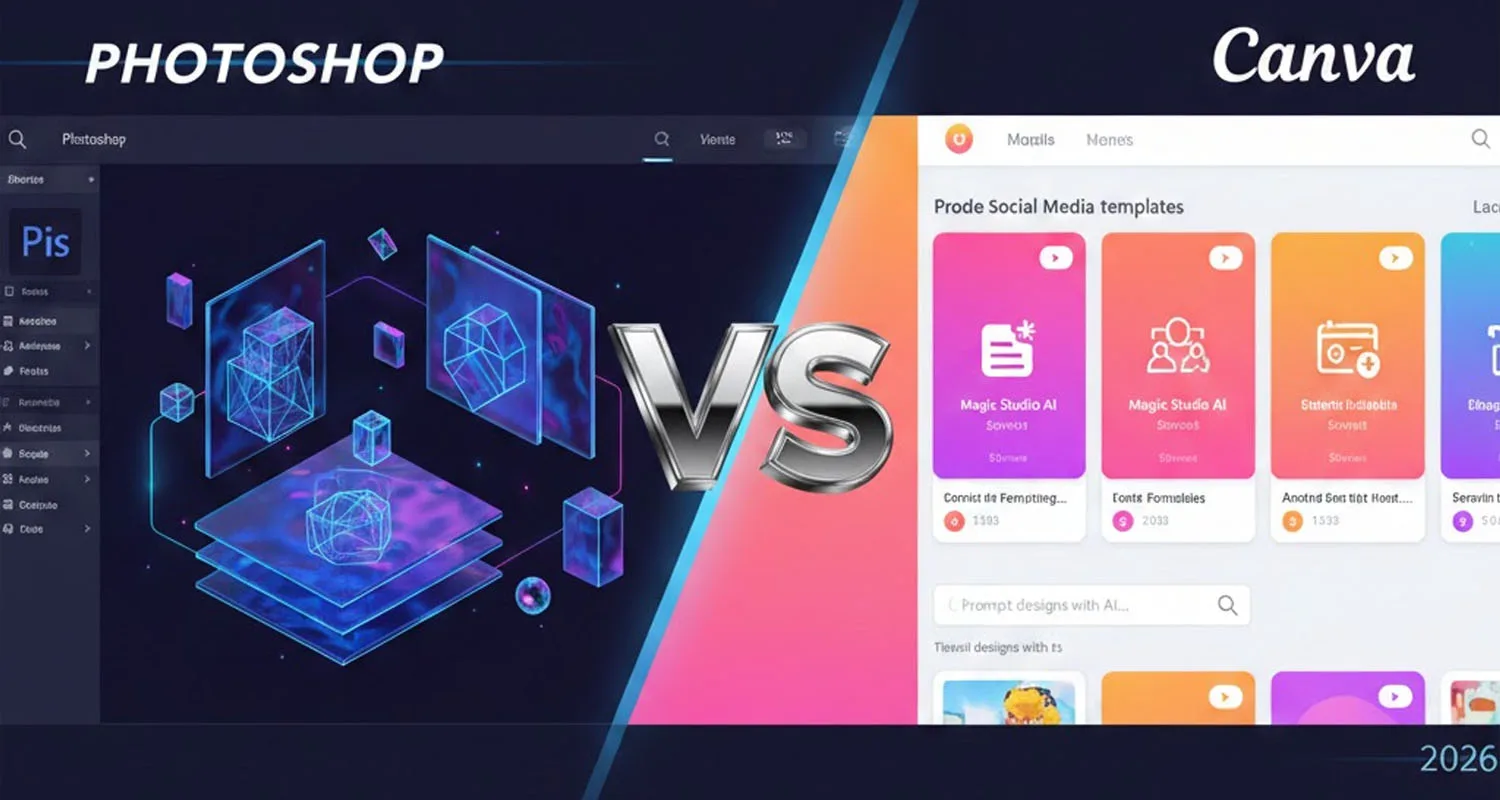
While both tools help create designs, they are built for very different audiences and purposes. Photoshop is known for its professional power and advanced editing, whereas Canva is famous for simplicity and speed. In this detailed guide by SoftsPro.com, we will deeply compare Photoshop vs Canva based on features, usability, performance, pricing, and real-world use cases, so you can decide which tool is best for you.
What is Adobe Photoshop?
Adobe Photoshop is a professional image editing and graphic design software developed by Adobe Inc. It is considered the industry standard for photo editing, graphic design, and digital artwork. Photoshop is widely used by professional designers, photographers, advertisers, marketing agencies, and digital artists across the world.
Photoshop works on a layer-based system, which means every element of an image can be edited independently. This allows non-destructive editing, giving complete control over colors, effects, shapes, text, and images. Photoshop supports advanced features such as Smart Objects, Layer Masks, Content-Aware Fill, Camera Raw Filter, Blend Modes, and AI-powered Neural Filters.
Because of its depth and flexibility, Photoshop is ideal for high-quality professional work, but it requires time, practice, and a good computer system to use efficiently.
What is Canva?
Canva is a web-based graphic design platform designed mainly for beginners, non-designers, students, startups, and small businesses. It focuses on making design easy, fast, and accessible for everyone. Canva uses a drag-and-drop interface with thousands of ready-made templates.
With Canva, users can easily create social media posts, YouTube thumbnails, posters, presentations, resumes, flyers, ads, and banners without any prior design knowledge. Canva runs directly in a web browser, so users do not need to install heavy software or own a high-end PC.
Canva offers a free plan with basic features, while Canva Pro provides premium templates, brand kits, background remover, and additional design elements. Canva is perfect for quick designs, but it has limited customization compared to Photoshop.
You may also read:
Photoshop vs Canva: Feature-by-Feature Comparison
| Purpose | Photoshop | Canva |
| Ease of Use | ❌ Complex for beginners | ✅ Extremely easy |
| Design Control | ✅ Full professional control | ❌ Limited customization |
| Templates | ❌ Very limited | ✅ Thousands of templates |
| Photo Editing Power | 🔥 Industry standard | ⚠️ Basic editing only |
| Performance | Heavy, needs good PC | Runs in browser |
| Internet Requirement | ❌ Not required | ✅ Required |
| File Support | PSD, JPG, PNG, WEBP, TIFF, PDF | JPG, PNG, PDF, MP4 |
| Pricing | Paid subscription | Free + Pro plan |
Photoshop vs Canva: Best Use Cases
| ✅ Use Photoshop If | ✅ Use Canva If |
| You are a professional designer or photographer | You are a beginner or non-designer |
| You do photo retouching or manipulation | You create social media posts |
| You design logos, banners, UI, or artwork | You want fast & easy designs |
| You want full creative control | You don’t want to learn complex tools |
Can Photoshop and Canva Be Used Together?
Yes. Many creators and businesses use both tools together.
Example:
- Use Photoshop for advanced photo editing and background removal
- Use Canva for quick social media posts and presentations
This combination gives the best results in terms of quality and speed.
Which One Should You Choose?
There is no single winner between Photoshop and Canva. The right choice depends on your skill level, purpose, and budget.
👉 If you want professional design quality, choose Photoshop
👉 If you want speed and simplicity, choose Canva
👉 If possible, use both tools together for maximum productivity
At SoftsPro.com, we recommend choosing the tool that matches your workflow and goals.
Advantages & Disadvantages Summary
Photoshop
| ✅ Pros | ❌ Cons |
| Professional-level editing | Paid software |
| Advanced tools and AI features | Learning curve |
| Offline usage | High system requirements |
| High-quality output |
Canva
| ✅ Pros | ❌ Cons |
| Easy to use | Limited editing control |
| Free plan available | Internet required |
| Cloud-based and fast | Designs may look similar |
| Great templates |
Conclusion
Photoshop and Canva are not competitors — they are tools for different needs.
If you want speed and simplicity, Canva is perfect.
If you want professional-level design and full control, Photoshop is unbeatable.
At SoftsPro.com, we recommend choosing the tool based on your skill level, budget, and design goals.