
Chrome Extensions: In today’s fast-paced digital world, productivity and efficiency matter more than ever. Whether you’re a student, blogger, freelancer, or office worker, your web browser plays a huge role in your daily workflow. And when it comes to browsers, Google Chrome remains one of the most popular choices worldwide.
But what truly makes Chrome powerful isn’t just its speed — it’s the vast ecosystem of extensions that can transform your browsing experience completely.
From blocking ads and improving writing to managing passwords and boosting productivity, Chrome extensions can save you hours every week.
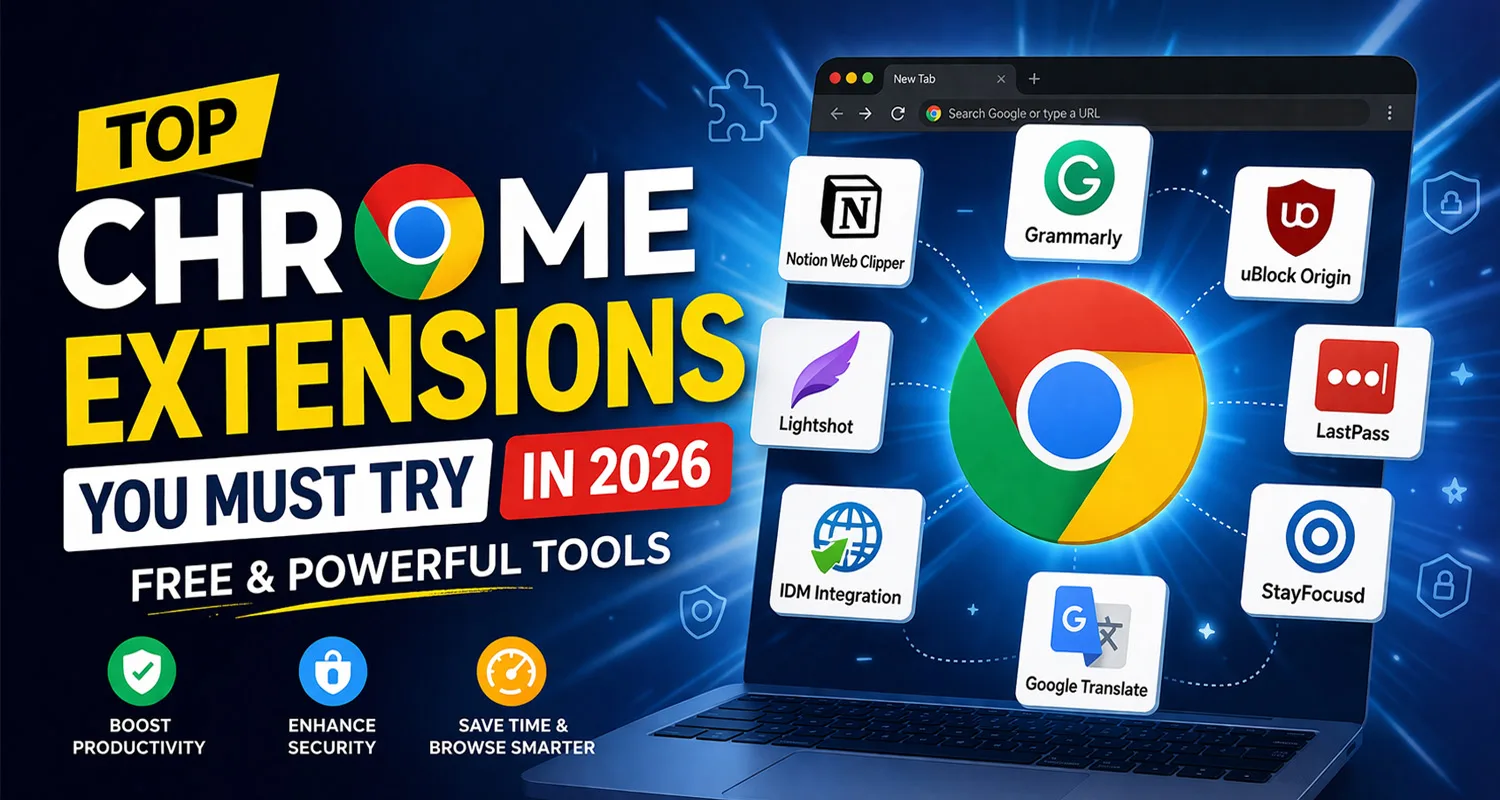
In this article, we’ll explore the Top Chrome Extensions You Must Try in 2026, along with their features, benefits, and use cases.
Why Use Chrome Extensions?
Before diving into the list, let’s understand why Chrome extensions are essential:
- ✅ Increase productivity
- ✅ Automate repetitive tasks
- ✅ Enhance security
- ✅ Improve browsing speed
- ✅ Add powerful features to your browser
👉 In short, extensions turn your browser into a complete productivity machine.
Top Chrome Extensions You Must Try
1. Grammarly – Best for Writing & Grammar
🔍 Overview
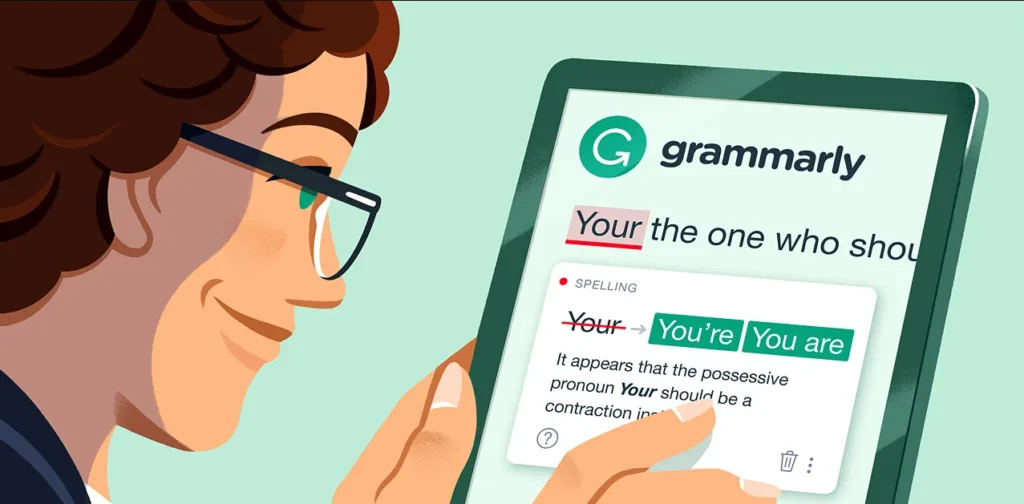
Grammarly is one of the most popular writing assistants available today. It helps you write error-free content across emails, blogs, social media, and documents.
⭐ Key Features
- Real-time grammar and spelling correction
- Tone and clarity suggestions
- Works on Gmail, Google Docs, LinkedIn, etc.
- AI-powered writing assistance
💡 Best For
Bloggers, students, content writers, and professionals
2. uBlock Origin – Best Ad Blocker
🔍 Overview
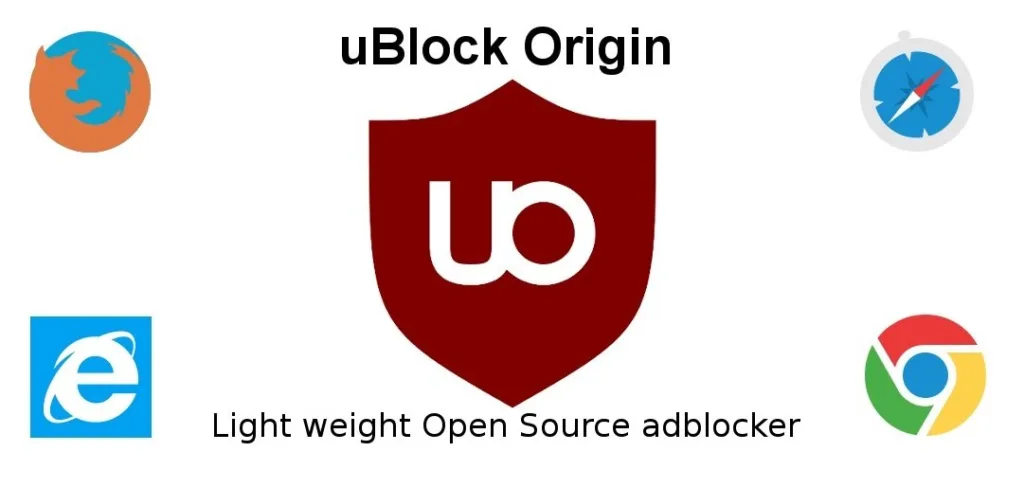
Tired of annoying ads and popups? uBlock Origin is a lightweight and powerful ad blocker that improves browsing speed and privacy.
⭐ Key Features
- Blocks ads, trackers, and malware
- Faster page loading
- Custom filter lists
- Open-source and free
💡 Best For
Anyone who wants a clean, fast, and distraction-free browsing experience
3. Notion Web Clipper – Best for Saving Content
🔍 Overview
The Notion Web Clipper allows you to save web pages, articles, and ideas directly into your Notion workspace.
⭐ Key Features
- Save articles in one click
- Organize notes easily
- Sync across devices
- Perfect for research
💡 Best For
Bloggers, researchers, and students
4. Lightshot – Best Screenshot Tool
🔍 Overview
Lightshot is a simple yet powerful screenshot tool that lets you capture and edit screenshots instantly.
⭐ Key Features
- Capture selected area
- Edit screenshots instantly
- Upload and share links
- Lightweight and fast
💡 Best For
Content creators, bloggers, and tutorial creators
5. LastPass – Best Password Manager
🔍 Overview
Managing multiple passwords can be difficult. LastPass stores your passwords securely and logs you in automatically.
⭐ Key Features
- Secure password vault
- Auto-fill login details
- Generate strong passwords
- Cross-device sync
💡 Best For
Users with multiple accounts and security concerns
6. StayFocusd – Best for Productivity
🔍 Overview
StayFocusd helps you stay productive by blocking distracting websites like social media.
⭐ Key Features
- Website blocking
- Time limits for usage
- Custom productivity settings
- Easy to configure
💡 Best For
Students and professionals who want to avoid distractions
7. IDM Integration Module – Best for Downloads
🔍 Overview
This extension integrates Internet Download Manager (IDM) with Chrome, enabling faster and easier downloads.
⭐ Key Features
- Download videos from websites
- Increase download speed
- Automatic download detection
- Supports multiple file formats
💡 Best For
Users who download movies, software, or large files
8. Google Translate – Best for Translation
🔍 Overview
Google Translate extension helps you translate entire web pages or selected text instantly.
⭐ Key Features
- One-click translation
- Supports multiple languages
- Translate full pages
- Useful for international content
💡 Best For
Students, travelers, and multilingual users
Bonus Chrome Extensions
Here are some additional tools worth trying:
- Dark Reader – Enables dark mode on all websites
- Honey – Finds discount coupons automatically
- Loom – Screen recording tool
- Momentum – Beautiful new tab dashboard
How to Choose the Right Chrome Extensions?
When selecting extensions, keep these points in mind:
- ✔ Install only trusted extensions
- ✔ Check reviews and ratings
- ✔ Avoid installing too many extensions
- ✔ Ensure they don’t slow down your browser
👉 Quality matters more than quantity.
Are Chrome Extensions Safe?
Most Chrome extensions are safe, but you should always:
- Download from the official Chrome Web Store
- Check developer credibility
- Avoid suspicious permissions
- Keep extensions updated
Final Verdict
Chrome extensions can completely transform your browsing experience. Whether you want to improve productivity, enhance security, or simplify daily tasks — there’s an extension for everything.
👉 If you’re just starting, install these first:
- Grammarly
- uBlock Origin
- Notion Web Clipper
- StayFocusd
These tools alone can boost your efficiency by 2x 🚀
FAQs for Chrome Extensions
Do Chrome extensions slow down your browser?
Yes, if you install too many. Always use only necessary extensions.
Are Chrome extensions free?
Most extensions are free, but some offer premium features.
Can Chrome extensions steal data?
Only if they are untrusted. Always install from verified sources.