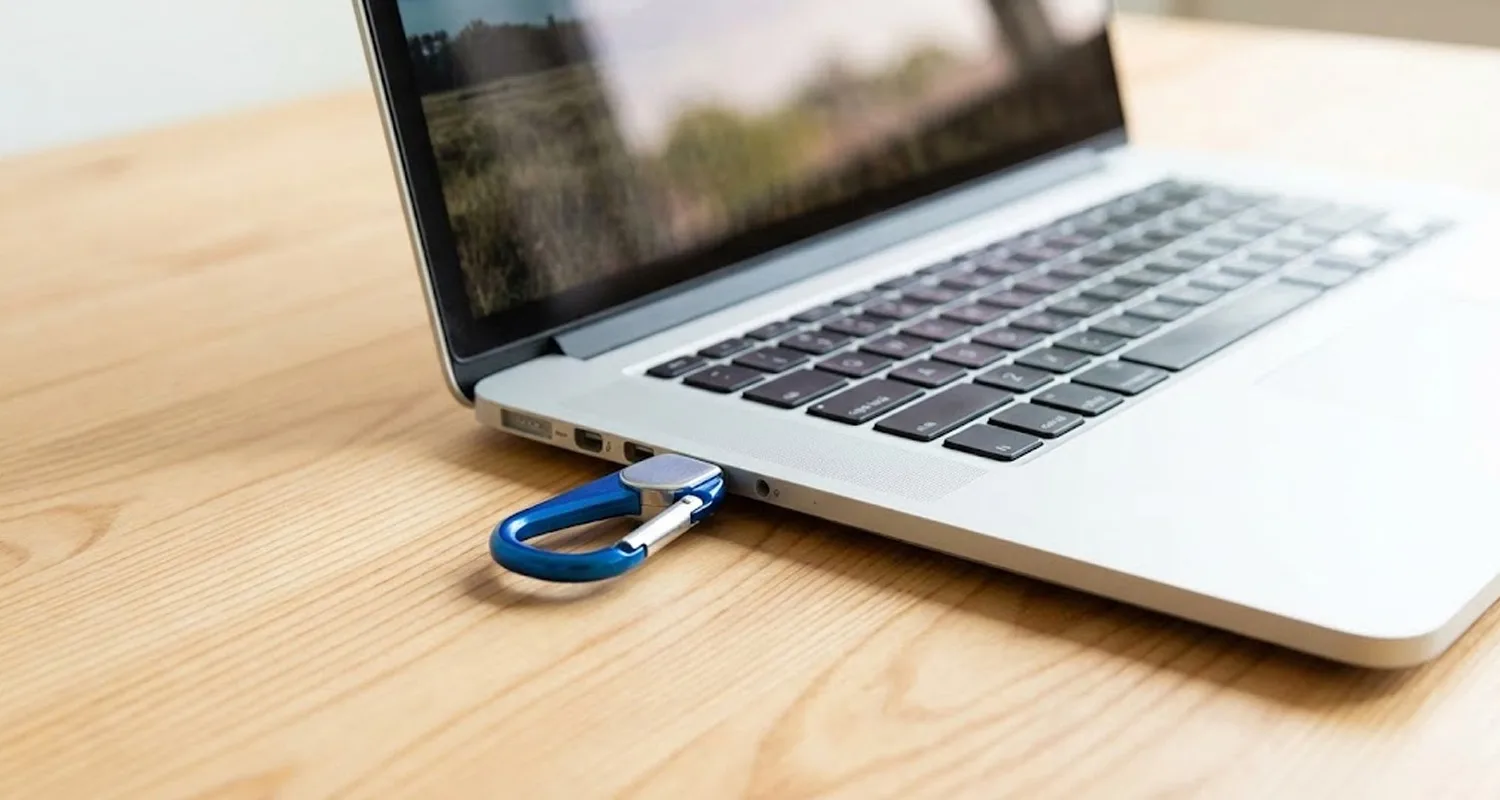

Today we will learn that if we connect or disconnect an external device to the PC, then how will its sound ring.
So, Let’s start.
⭐ Open Google and Search “My instants” and Click on the first link, shown as below:
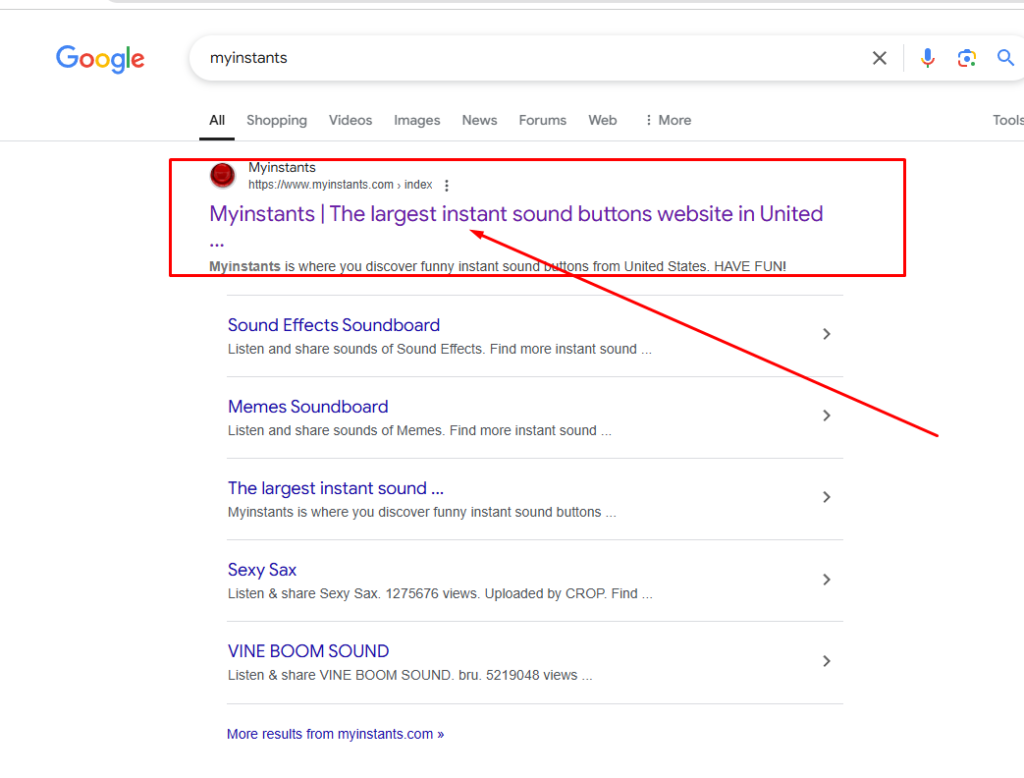
There are many instant sound, you can download and upload for pc and also use in reels, post for social media platform.
You can download any of these.

⭐ So, we will download any of these for device connect or disconnect sound.
⭐ For example, we have download “Chalo” to Connect a device and “Chipmunk Laugh” to Disconnect a device.
Also read : Recycle Bin Animated – Try this New Look
How to Download and Use My Instants
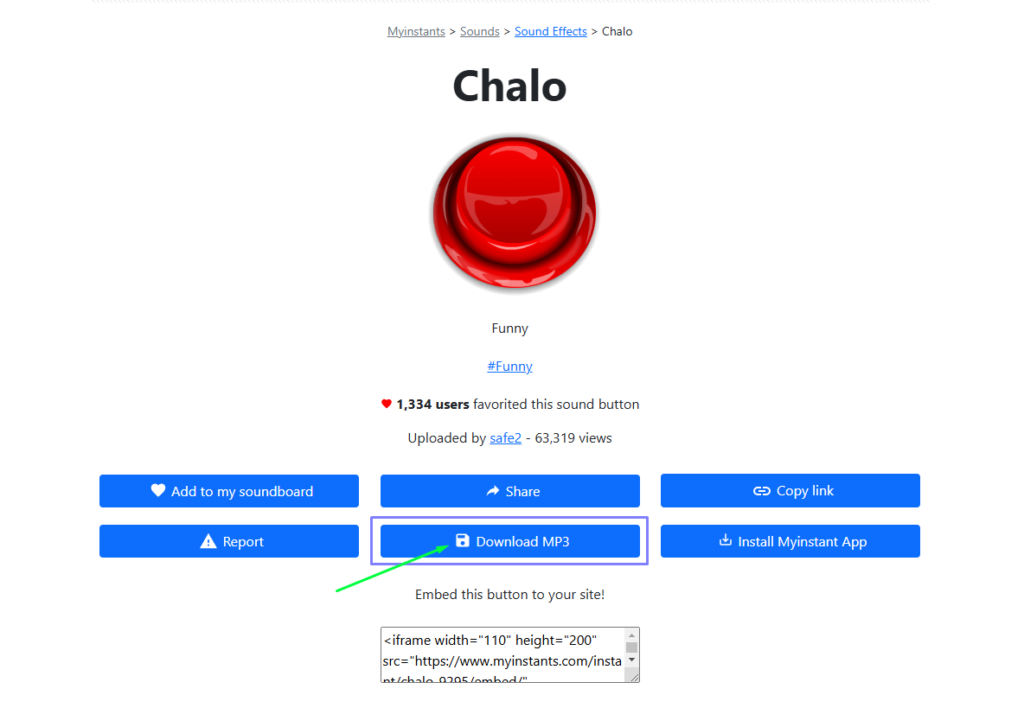
⭐ For Download, You have to click on “Chalo” text.

⭐ Click on Download MP3 Button.
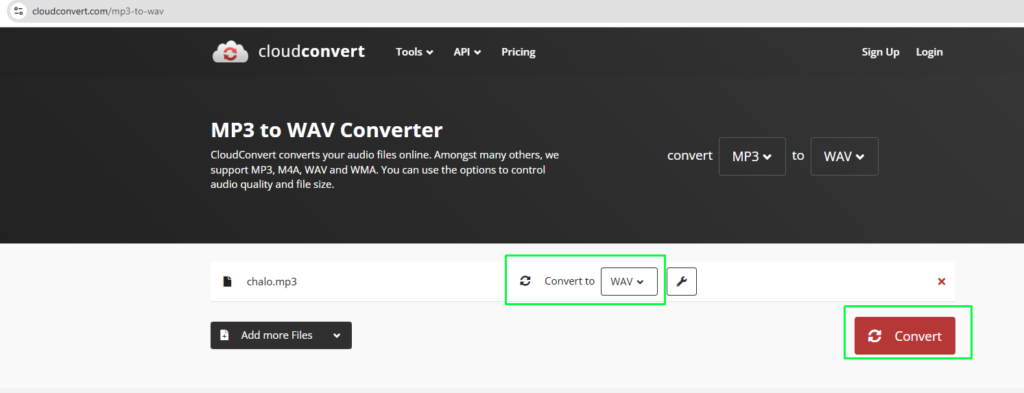
⭐ After Downlading, you will go to the google and search CloudConvert > Select File.
⭐ Select your download MP3 file to convert into .wav format and Download it.

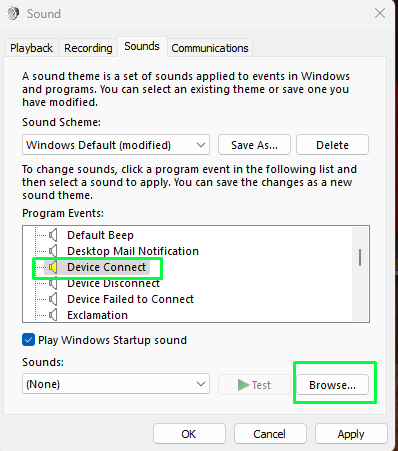
⭐ After that, you have to press the window key on keyboard, and find “Change System Sounds”.

⭐ Click on Change System sounds then find and select Device Connect then tap on Browse button and find your sound like “Chalo.wav” for Connect a device. Then Click on Apply and OK.
⭐ For Disconnect Device sound, Select Device Disconnect option, tap on Browse button and Search “Chipmunk Laugh.wav”. Select and Click on Apply and OK.
⭐ So, whenever you Connect a external device in PC like Pen Drive, so Sound playing will be “Chalo” and when disconnect sound playing will be “Chimpunk Sound”.
Try this amazing feature now. 😉