
IDM vs FDM Introduction
If you frequently download large files like heavy Windows software, Mac applications, or massive PC games, you already know the frustration of relying on your browser’s default downloader. Browser downloads are slow, often fail halfway, and lack resume capabilities. This is where dedicated download managers come to the rescue.
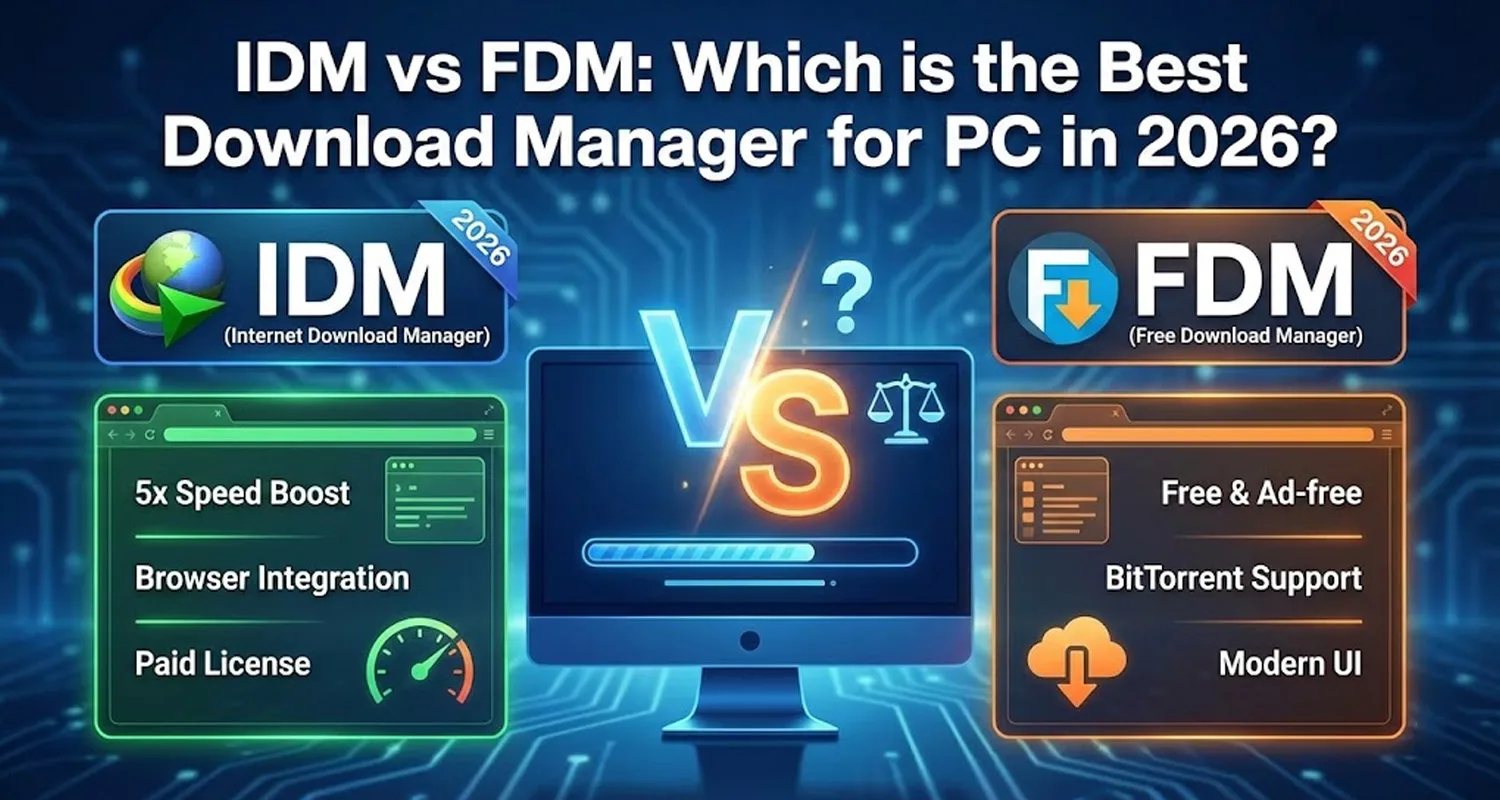
In the world of download managers, two names dominate the conversation: Internet Download Manager (IDM) and Free Download Manager (FDM). Both promise to accelerate your download speeds by up to 5 times, but they operate on very different business models and offer distinct features.
So, which one should you choose for your PC in 2026? In this comprehensive IDM vs FDM comparison, we will break down their features, performance, user interface, and pricing to help you make the right decision.
What is Internet Download Manager (IDM)?
Internet Download Manager, commonly known as IDM, is arguably the most famous download manager in the world. Developed by Tonec Inc., it has been the industry standard for over two decades. IDM uses dynamic file segmentation and safe multipart downloading technology to accelerate downloads.
Key Strengths of IDM:
- Unmatched Speed: IDM’s algorithm for breaking files into smaller, manageable pieces during the download process is highly optimized, often squeezing every last drop of bandwidth from your internet connection.
- Flawless Browser Integration: IDM features a highly aggressive and reliable browser extension. Whether you are using Chrome, Edge, or Firefox, IDM effortlessly intercepts download links and video streams.
- Video Grabber: It places a convenient “Download this video” panel over web players, allowing you to easily save media from almost any website.
What is Free Download Manager (FDM)?
Free Download Manager (FDM) is a modern, powerful, and completely free alternative to IDM. Over the years, FDM has evolved from a simple open-source project into a highly polished piece of software that rivals paid premium tools.
Key Strengths of FDM:
- 100% Free and No Ads: Unlike IDM, which requires a paid license after a 30-day trial, FDM is completely free to use without any hidden costs or annoying advertisements.
- BitTorrent Support: This is a massive advantage for FDM. It comes with a built-in BitTorrent client, allowing you to download magnet links and torrent files directly without needing a separate program like uTorrent.
- Modern Interface: FDM features a clean, dark-mode-friendly, and highly intuitive user interface that feels right at home on Windows 11 and modern macOS.
Also read : Photoshop vs Canva: Which One is Best for Designers in 2026?
Head-to-Head Comparison: IDM vs FDM
1. Pricing & Licensing
The most significant difference between the two is the price. IDM offers a 30-day free trial, after which you must purchase a license (around $25 for a lifetime license for one PC). On the other hand, FDM is entirely free forever.
2. Performance and Download Speeds
Both software use multi-threading technology to split files into chunks and download them simultaneously. In real-world tests, IDM sometimes edges out FDM by a slight margin, especially on congested servers. However, for 95% of users with standard broadband connections, the speed difference is practically unnoticeable. Both will max out your internet speed.
3. User Interface (UI)
If looks matter to you, FDM is the clear winner. IDM’s interface has barely changed since the Windows XP era; it looks dated and cluttered. FDM, however, offers a sleek, minimalist design that is easy to navigate and highly customizable.
4. Operating System Compatibility
IDM is strictly available for Windows. If you are an Apple user, you are out of luck. FDM, however, is cross-platform. It is fully supported on Windows, macOS, Linux, and even Android.
Quick Comparison Table: IDM vs FDM
| Feature | IDM (Internet Download Manager) | FDM (Free Download Manager) |
| Price | Paid (30-day free trial) | 100% Free |
| Operating System | Windows only | Windows, Mac, Linux, Android |
| UI Design | Classic / Dated | Modern / Sleek |
| Torrent Support | ❌ No | ✅ Yes |
| Browser Integration | Excellent | Very Good |
| Video Downloader | Built-in (Highly Reliable) | Built-in (Good) |
Pros and Cons
IDM
- Pros: Incredible download speeds, the best browser integration in the market, excellent media grabber, highly reliable.
- Cons: Paid software, outdated user interface, only works on Windows OS, no torrent support.
FDM
- Pros: Completely free, modern and clean UI, built-in BitTorrent support, available on Windows and Mac, remote management features.
- Cons: Browser integration can sometimes miss specific video streams compared to IDM, slightly larger installation size.
IDM vs FDM: Which is Better?
The choice between IDM and FDM boils down to your specific needs and budget.
Choose IDM if: You want the absolute best browser integration, the fastest possible speeds, and you don’t mind paying for a premium license. It is a workhorse that rarely fails.
Choose FDM if: You want a completely free, modern-looking download manager that also supports Torrents. For Mac users, FDM is essentially a must-have since IDM isn’t an option.
For most casual users and gamers looking to download large software or PC games, Free Download Manager (FDM) is the smartest choice in 2026. It offers 90% of IDM’s functionality without costing a single penny.